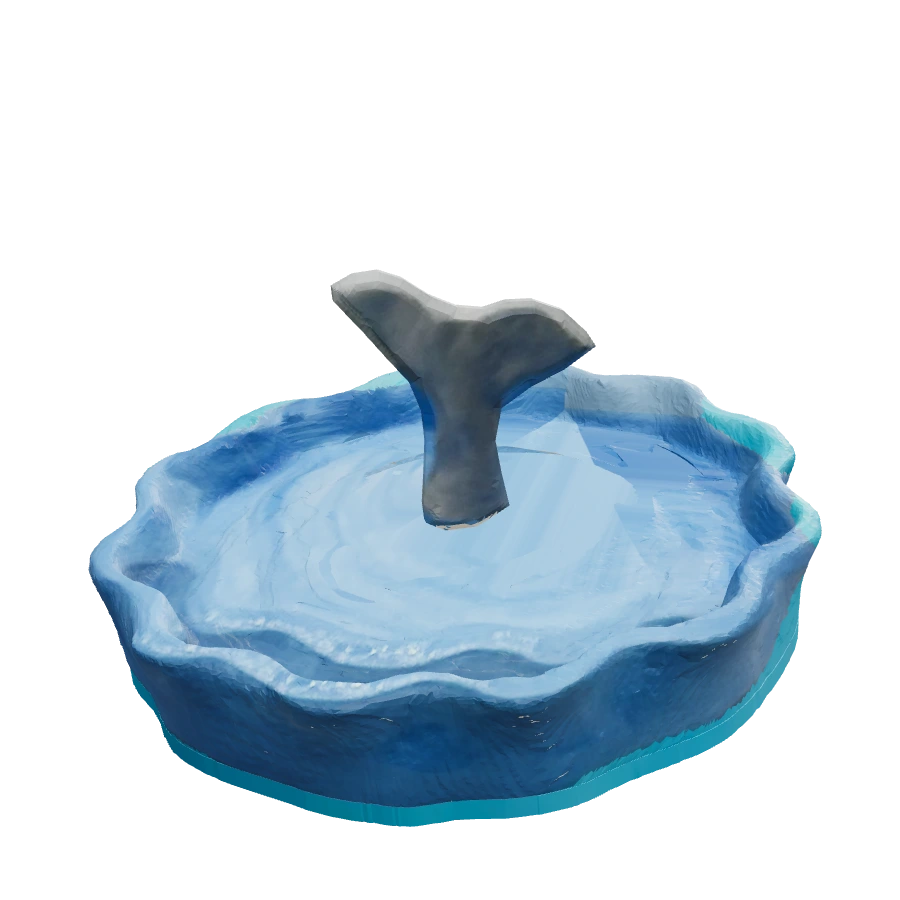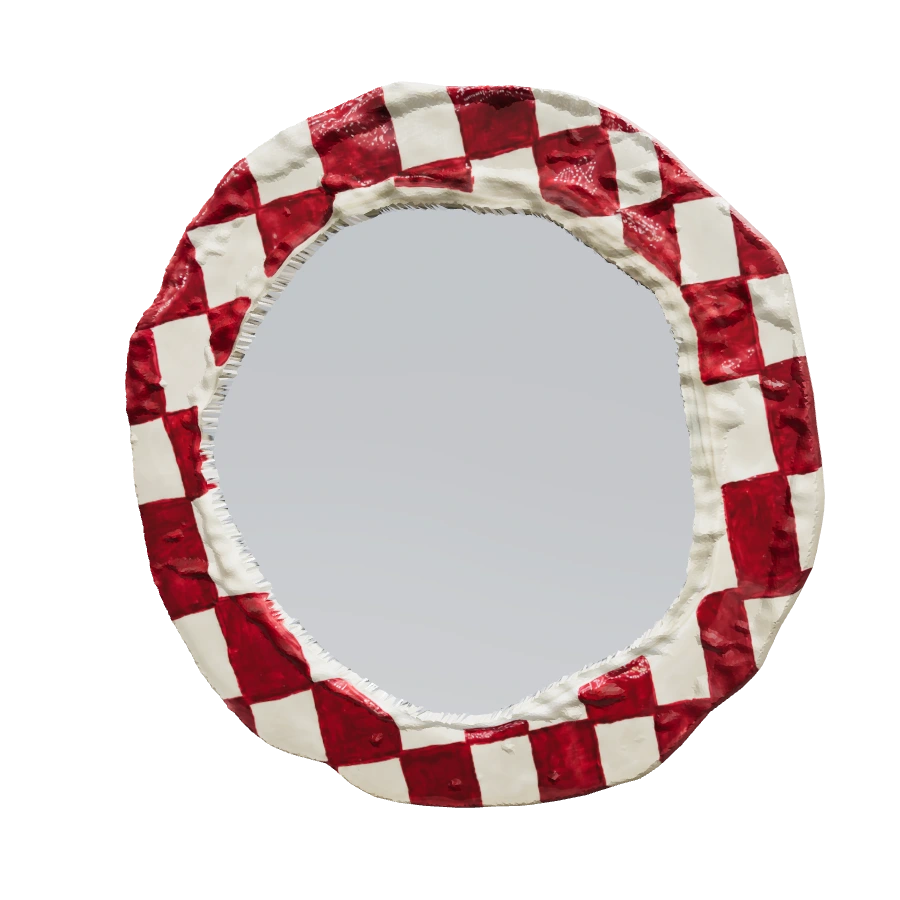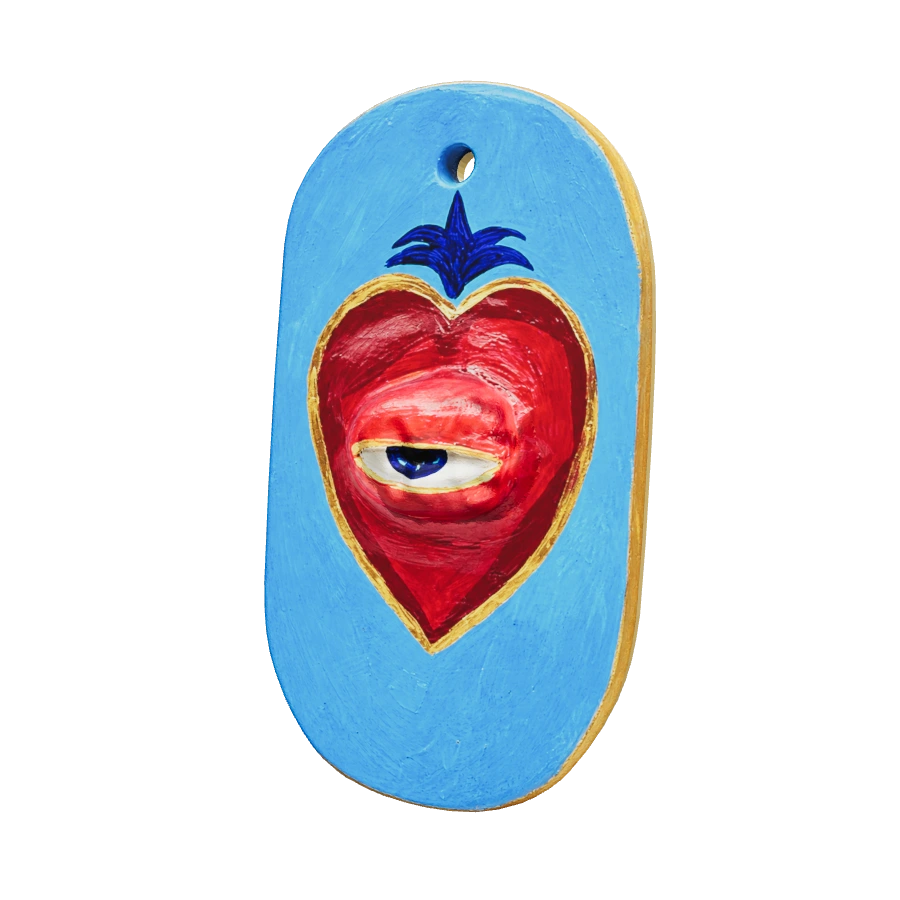
Start with the form
Choose Turn in 3D on a collection card, or open a piece page. Drag across the viewer to rotate the object. The Left and Right buttons offer another way to turn it, and Front returns you to the starting view. Auto rotate can keep it moving while you look.
Use the changing angle to explore the silhouette, raised details and the relationship between the front and sides. A model can make those features easier to compare, particularly when you are choosing between several pieces. It cannot tell you how heavy an object feels in your hand.
What Back & stamp shows
The Back & stamp control turns the model to a filled clay reverse or underside with a recessed ONER symbol and ONER Clay lettering. This is a proposed digital finish. It should not be taken as a photograph or a promise that the physical piece has that exact reverse or stamp.
Unseen surfaces and depth have been interpreted from the supplied reference images. Some fine paint detail has been restored with AI. The preview is useful for exploring the design, while the real object remains the reference for an order.
Compare with the original photograph
Open a piece page and choose Original photo to see the supplied photograph. Compare the paintwork and visible details there. Props may appear in the photo for styling; ask what is included rather than assuming that everything shown belongs to the piece.
On the Checkerboard Mirror, the digital reflective surface is illustrative. On a dish or holder, the model is not proof of capacity or fit. Colours can also look different between a screen, a photograph and the object in your room.
Confirm the real-world details
The gallery models are not to scale. Ask for actual dimensions, weight, materials, care and any hanging or support details. If you need the piece for a particular purpose, explain that purpose in your enquiry.
Use Copy piece link on the product page, or send its name to @onerclay on Instagram. The studio can confirm current availability, price and ordering details. The website helps you explore; that conversation connects the preview to the handmade object.